Post-Call Actions: Your AI Receptionist Now Follows Up After Every Call
August 18, 2026
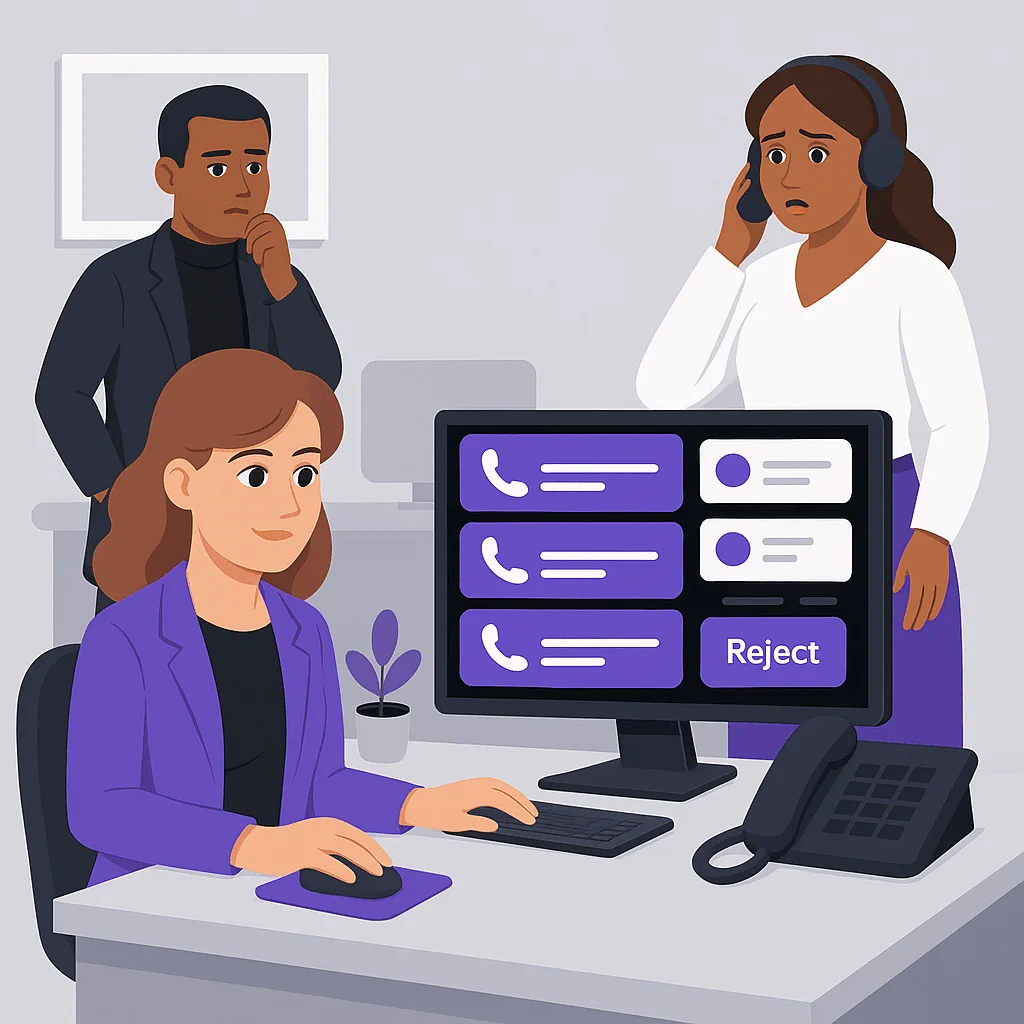
Your AI Receptionist answers the call, takes the message, and writes the summary. Then the follow-up work lands back on you: read the review, decide if it was a lead, forward the details to the right person, remember to do it all again after the next call.
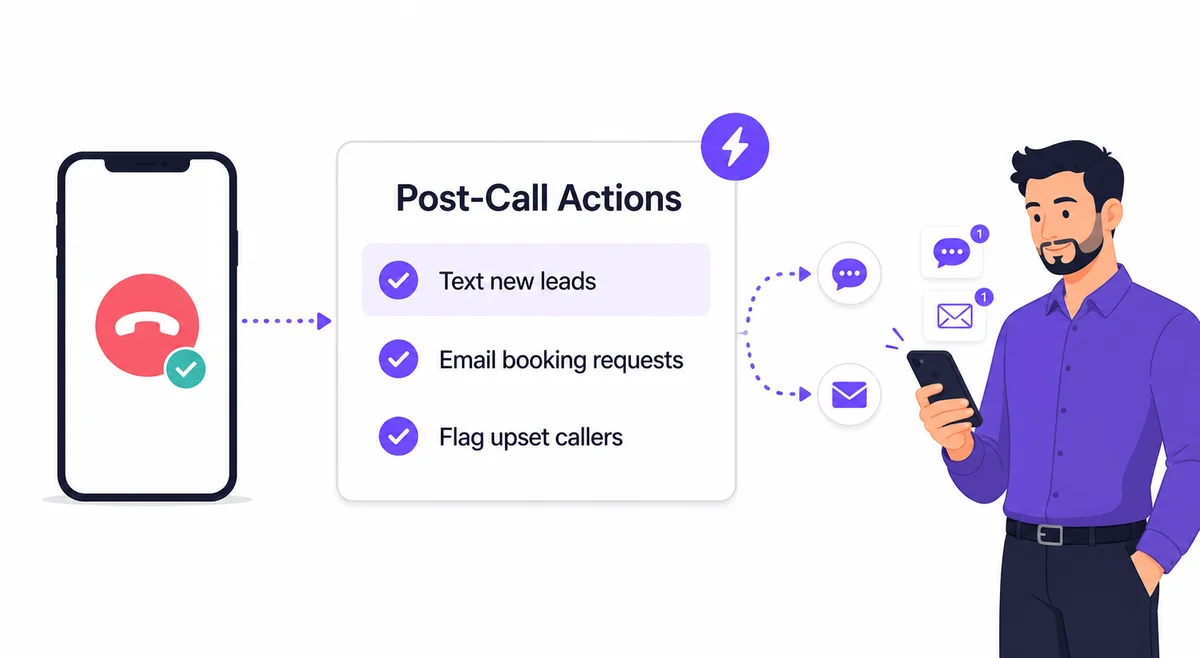
Post-Call Actions hands that work to a second AI agent. You write instructions in plain language, like "Text me a short summary whenever a caller sounds like a new lead" or "Email Bob the details of any booking request." After each call ends and the AI finishes analyzing it, the agent reads your instructions, checks the call, and carries them out.
What It Can Do
The agent works from the same information you see in your dashboard: the full call transcript, your knowledge base, and the caller's history with your business. From there it can send SMS messages and emails to your registered contacts. A few examples our early users set up:
- "Text me a summary if the caller sounded upset or frustrated, and tell me why."
- "Email our office manager the name, number, and preferred time of anyone asking about appointments."
- "If a caller mentions a plumbing emergency, text both me and my on-call tech right away."
- "Email me the transcript of any call from an existing customer with a complaint."
The agent decides per call whether your instructions apply. A spam call or a wrong number produces no action, and your dashboard shows a quiet "no action needed" note instead of a pointless text.
Designed So You Stay in Control
An AI that sends messages on your behalf needs guardrails, so we built them in from the start:
- Every channel is off until you switch it on. You enable SMS and email separately, and you set how many messages the agent may send per call.
- The agent can only message your registered contacts. It cannot text or email an address it found in a transcript or anywhere else.
- It runs once per call, right after the call. It cannot wait for replies, schedule reminders, or act on its own later.
- When it can't follow an instruction, it tells you. If a contact hasn't been granted SMS permission, for example, the agent emails you about the problem and records it on the call, so nothing fails silently.
Your Instructions Get a Sanity Check
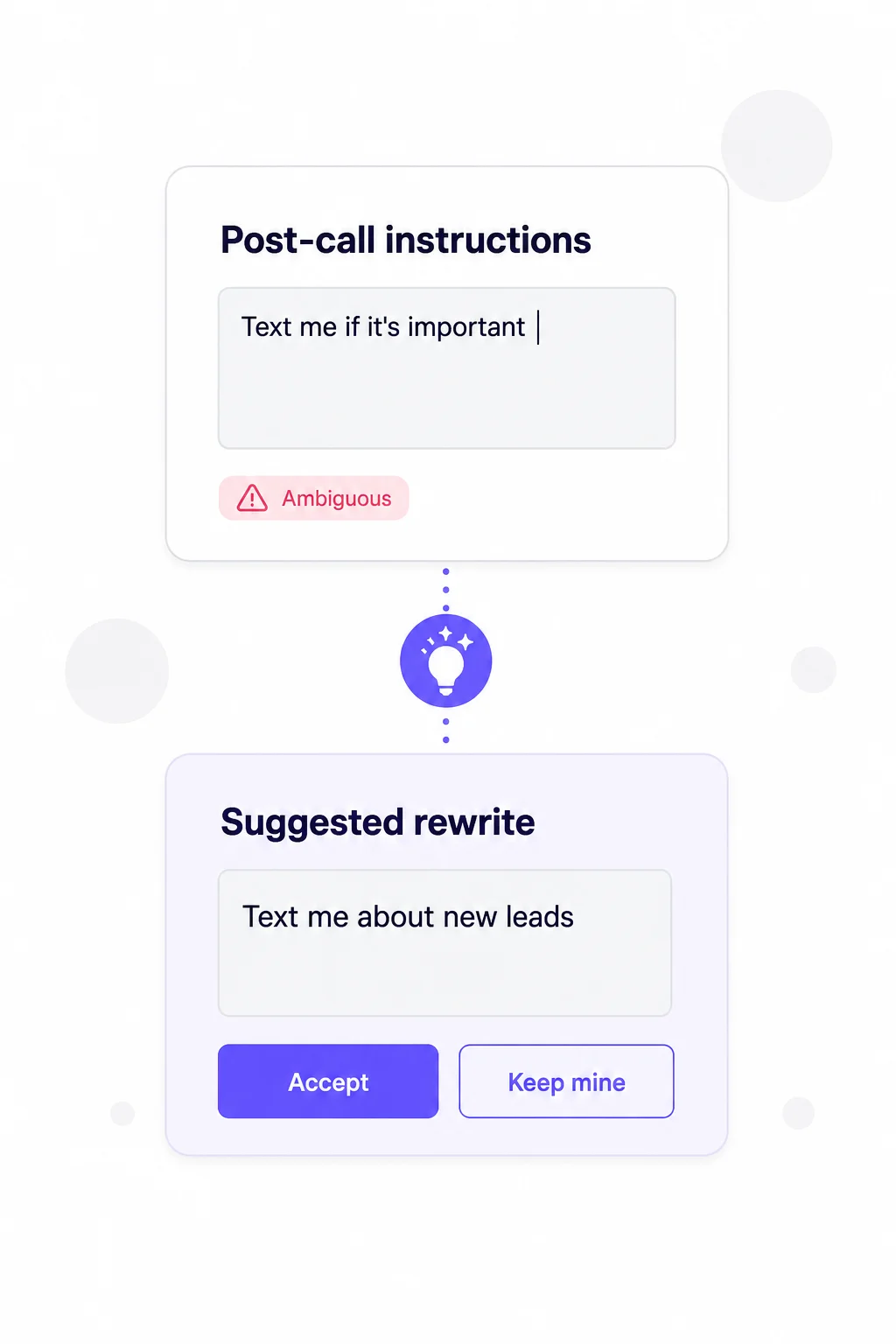
When you save your instructions, an AI reviewer reads them first. If they ask for something the feature can't do, like "text Bob, and if he says ok, email Robert" (the agent can't wait for Bob's reply), you'll get a clear explanation instead of a feature that silently underperforms. If your wording is ambiguous, it offers a clearer rewrite that you can accept or ignore. And if an instruction references a contact that doesn't exist yet or a channel that's still switched off, you'll see a warning with a one-click fix.
Watch It Work
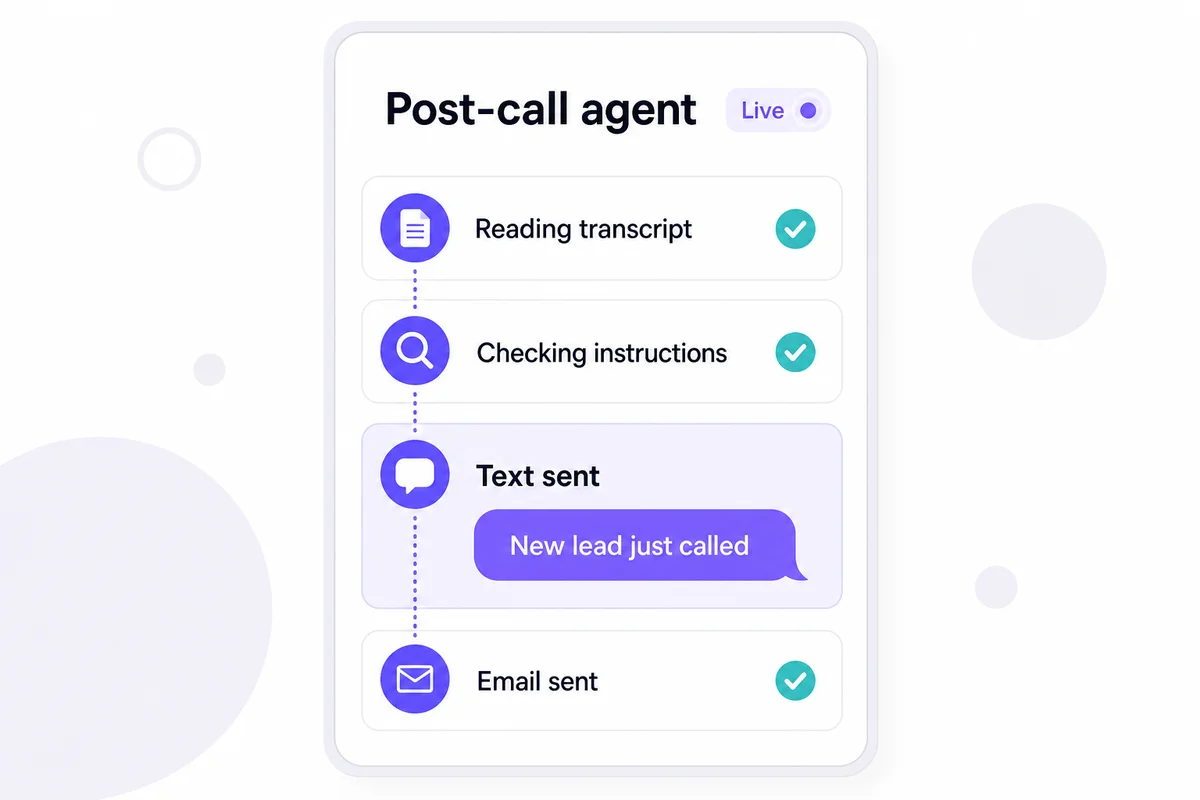
Every call in your activity feed shows what the post-call agent did: what it sent, to whom, and why. While the agent is running you can open a live view and watch it think through the call step by step, including each tool it uses. If it ever reports a problem, that shows up on the call too, right next to the email you receive about it.
How to Turn It On
Post-Call Actions is available on our Starter, Solopreneur, and Business plans. In your dashboard, open AI Settings, find the Post-Call Actions section, and flip the toggle. Write your instructions, enable the channels you want the agent to use, and save. That's the whole setup: the agent starts working from your very next call.
If you're not sure what to write, start small. One instruction like "text me when a caller sounds like a new lead" already covers the most common reason people miss opportunities: the call was answered, but nobody acted on it.
Why We Built It
We kept hearing the same story from customers: the AI answers everything, the summaries are great, but I don't always read them in time. The dentist's front desk wants booking requests in their inbox, not in a dashboard. The contractor wants a text when it's urgent and silence when it isn't. Post-Call Actions closes that gap between "the call was handled" and "the right person knows about it."
Want your calls to follow up on themselves? Start your free trial, or book a demo and we'll help you write your first set of instructions. Questions or feedback? We'd love to hear from you!
Related Reading