
AI Receptionist with Google Calendar Booking
Callers book, move and cancel appointments over the phone. The AI checks your Google Calendar for open times and creates the event itself, on every plan from $14 a month.
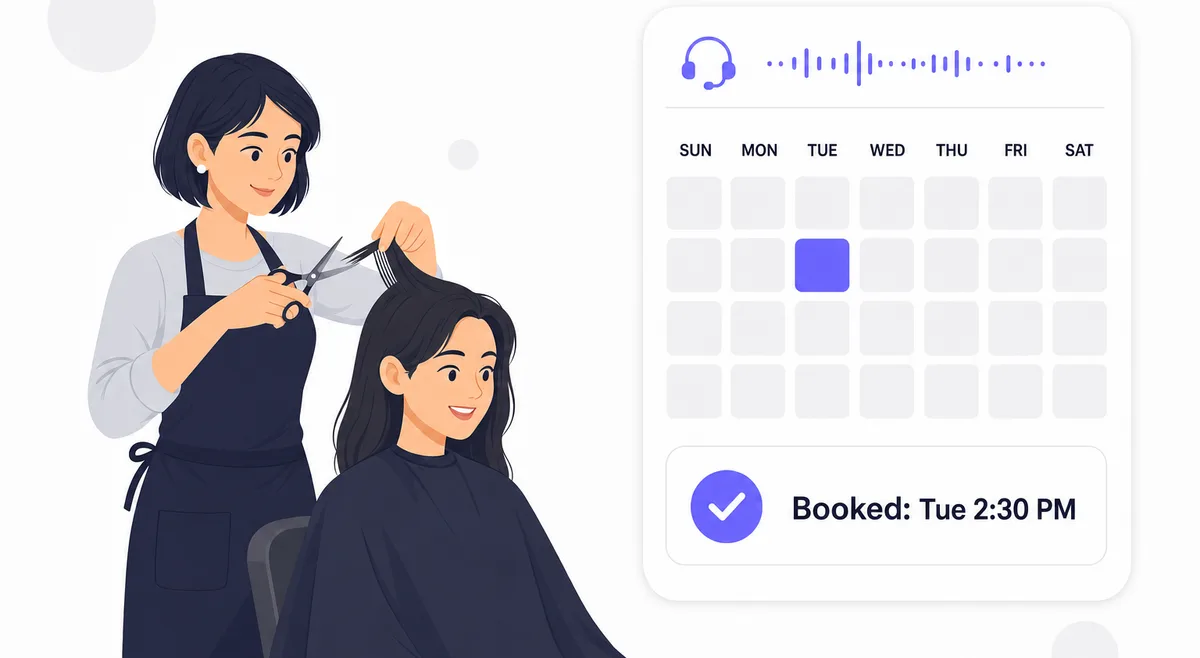
A Message Is Not an Appointment
Most answering services take a message: the caller wants Tuesday afternoon, please call back. By the time you call back, the caller has booked with whoever picked up first.
Your AI Receptionist books the appointment during the call. It reads your Google Calendar, offers the caller times that are actually free, and puts the event in your calendar before the caller hangs up.
How It Works
Three steps from phone call to calendar event
Connect Google Calendar
Sign in with Google from your dashboard, tick the calendars the AI may use, and set your working hours, appointment lengths and buffers.
A Caller Asks for a Time
The AI checks the requested day against your calendar and your rules, then offers the open slots in plain speech: 'I have 2:30 or 4:00 on Tuesday.'
The Event Lands in Your Calendar
Once the caller picks a time, the AI creates the event and can text or email the caller a link to add it to their own calendar.
It Books by Your Rules
You set the rules once in your dashboard, and the AI cannot book outside them:
- Working hours for each weekday, with more than one block per day if you take a lunch break
- Shortest and longest appointment length
- A buffer of up to two hours between appointments
- Minimum notice, from 1 to 24 hours, so nobody books the next ten minutes
- How far ahead callers can book, from one week to three months
- Your timezone, and which of your Google calendars to use
The rules are enforced on our server, not only in the AI's instructions. A booking that breaks one of them, or clashes with an existing event, is refused and the AI offers the caller another time.
Real-World Scenarios
Salon Between Clients
A stylist with scissors in hand misses three calls an hour. The AI books each caller into the next free slot that fits a 45-minute cut plus her 15-minute buffer.
Estimates for a Contractor
A contractor books on-site estimates only between 8 and 11 AM with a day's notice. Callers asking for this afternoon are offered tomorrow morning instead.
Rescheduling Without Phone Tag
A client calls back to move Thursday's consultation. The AI finds her appointment by her phone number, moves it to Friday and frees the Thursday slot.
After-Hours Bookings
A caller at 9 PM books for Monday morning. The owner sees the new event in Google Calendar the next day without having taken the call.
Frequently Asked Questions
Which plans include Google Calendar booking?
Every plan, including Essential at $14 a month. Booking is not an add-on, and the 7-day free trial includes it with no credit card.
Learn more: Pricing
Does it work with Outlook, Calendly or Apple Calendar?
It books into Google Calendar only. Callers who use an iPhone or Outlook can still save their appointment: the AI can text or email them a calendar link that opens in Apple Calendar, Outlook or Google Calendar.
Can it double-book me?
Every booking is checked against your calendar before it is saved: your working hours, the buffer between appointments, your minimum notice and every existing event, including all-day events. If the time is taken, the AI offers the caller another one.
Can callers reschedule or cancel?
Yes. A caller can move or cancel an appointment they booked, as long as they call from the same phone number. The AI cannot change appointments other people booked or events you added yourself.
Which calendars does it use?
You choose. After you sign in with Google, you tick the calendars the AI may read and book into. It checks all of them for conflicts and ignores the rest.
What does the calendar event contain?
The appointment type and the caller's name in the title, the time, the caller's phone number, and a short description of what the call was about, so you know what the appointment is for before you open the call record.
Can I be notified when someone books?
On Starter and higher plans, Post-Call Actions can text or email you after each call that ends in a booking. On every plan, the new event appears in your Google Calendar and the call is in your dashboard.
Learn more: Post-Call Actions